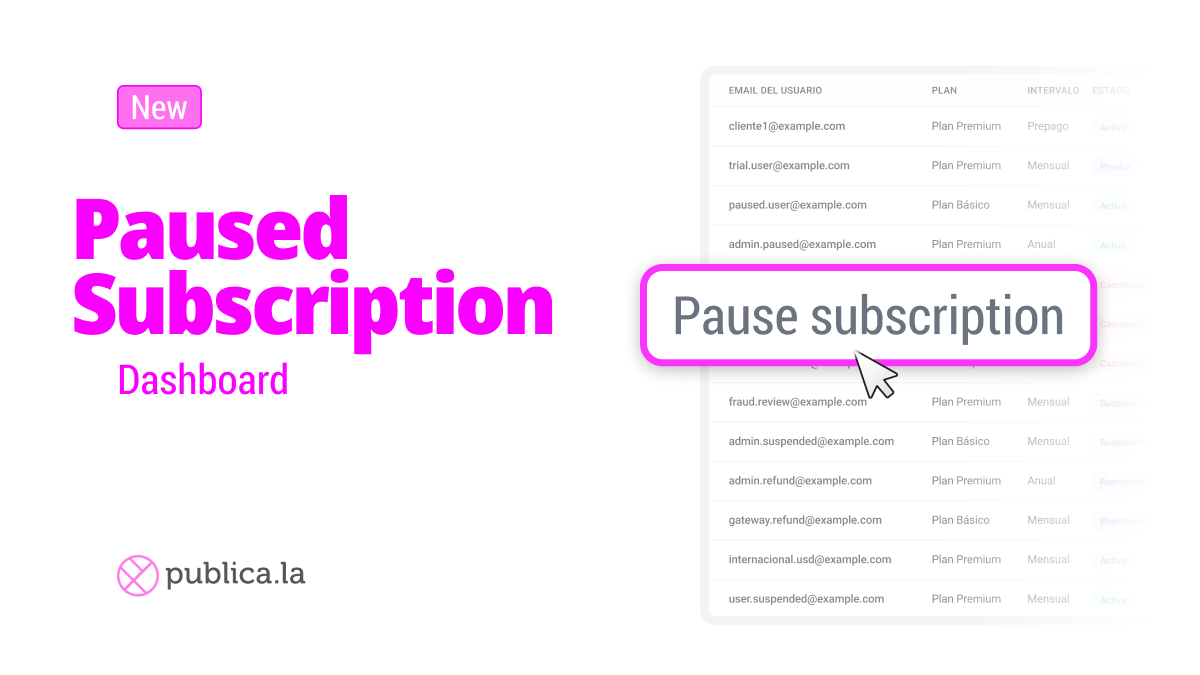
TL;DR: you can now pause a user’s subscription indefinitely with the “Pausar Indefinidamente” action and reactivate it anytime.
This builds on recent subscription improvements (e.g., coupons for the first billing cycles) and delivers on what we previewed in the new Subscriptions Dashboard.
What’s changing?
Until now, you could either keep a subscription active or cancel it. With Pausar Indefinidamente, you get an in-between state to stop billing and access without losing the plan’s history or settings.
How it works
In the Subscriptions Dashboard, open a subscriber and click Pause Indefinitely.
The subscription remains Paused until you choose Resume.
When reactivated, the cycle continues as defined by the plan rules.
Availability
Available now in the Subscriptions Dashboard.