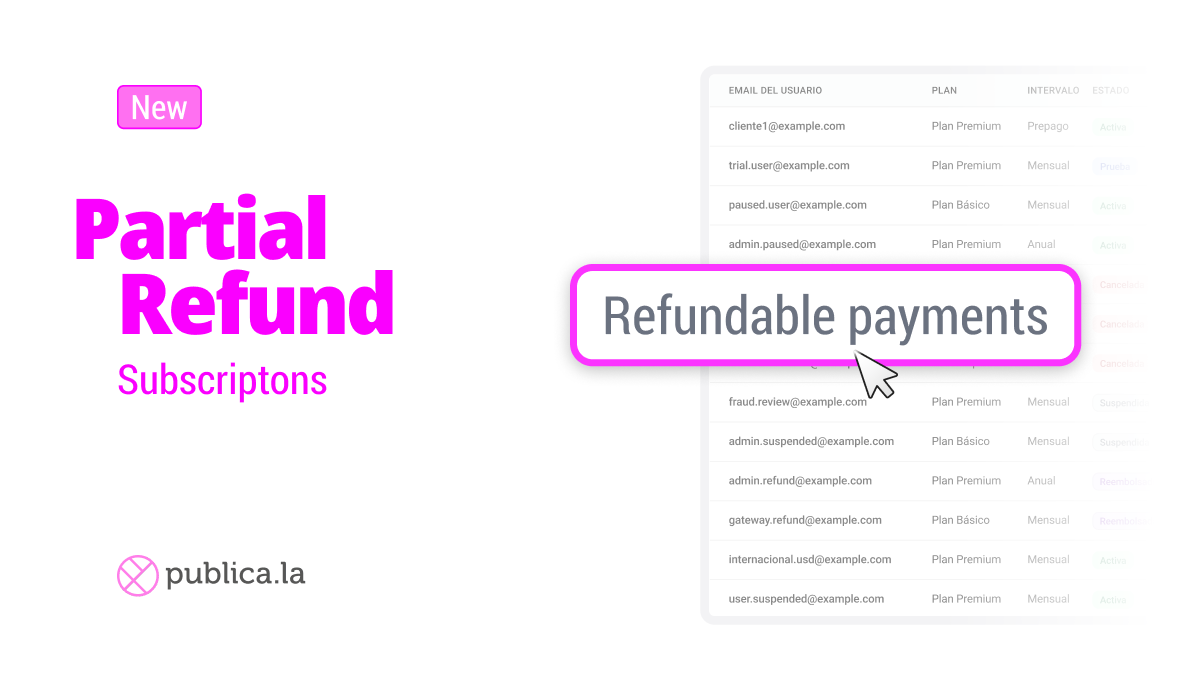
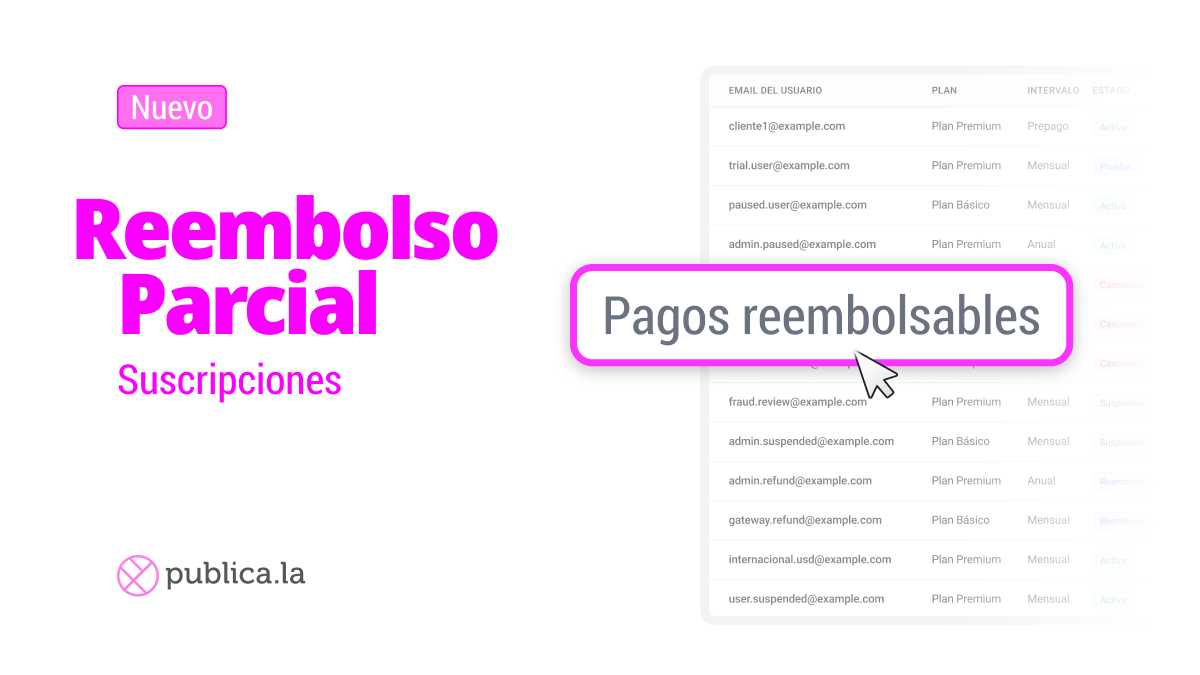
Issue partial refunds on subscriptions — without canceling them.
Sometimes a customer needs a refund, but that doesn't mean they want to leave. Now you can issue partial (or full) refunds on individual subscription payments directly from your dashboard, while keeping the subscription active.
We built a guided flow that makes refunds safe and transparent:
Select specific payments: choose which payment to refund from the latest billing cycle — see amounts, dates, and status at a glance.
Partial or full refund: enter a custom amount or refund the entire payment. The system tracks the available balance so you never exceed what's refundable.
Review before confirming: a summary screen shows the refund amount, customer email, plan, and remaining balance before you commit.
Refund history: every payment displays its refund history, so your team always knows what's already been processed.
All gateways are supported.
💡 Key detail: the subscription stays active after the refund — no access is revoked, and the next billing cycle continues as normal.
➡️ Look for the "Refundable Payments" option in the subscription actions menu.